# REST Provider on MS SQL
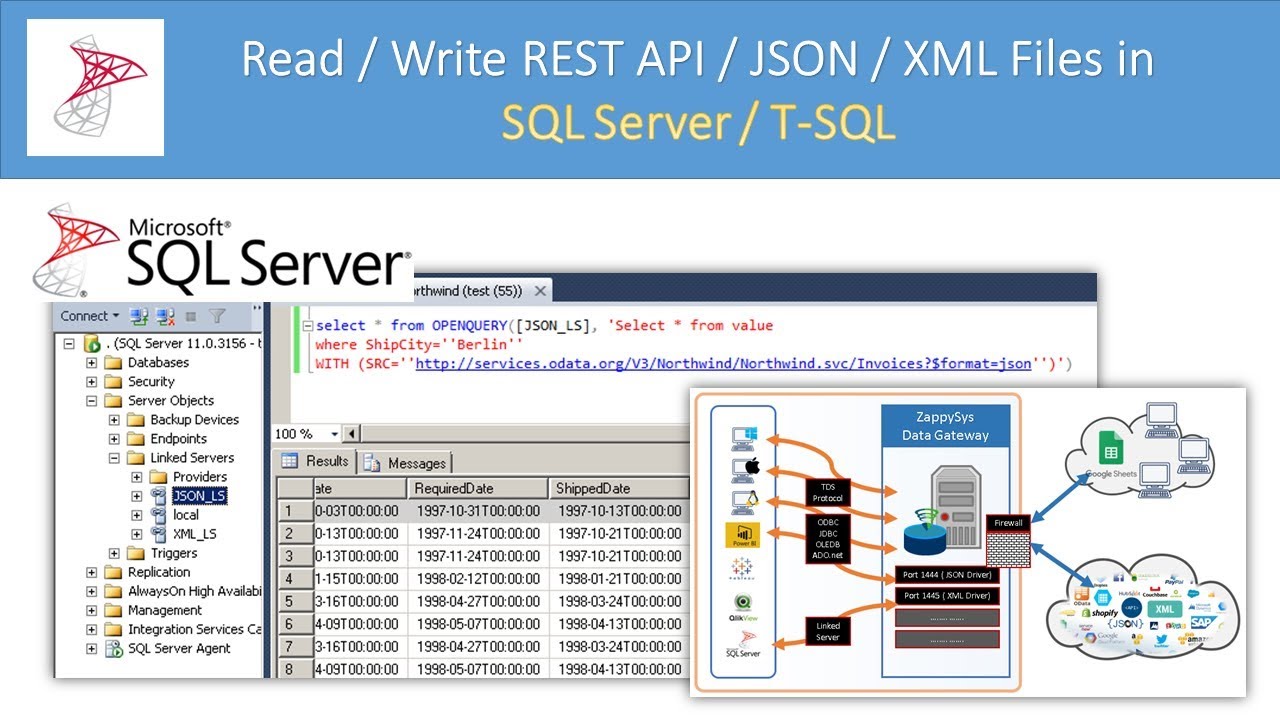
Rest provider on MSSQL of CLR (C#) using WebRequest
## Descriptions
Available method
```html
GET, POST
```
Available options
Headers
use this structure key : value | key : value
## Configuration
If you haven’t enabled CLR integration on the server (it’s disabled by default), you need to do this using sp_configure:
```sql
sp_configure 'clr enabled', 1;
GO
RECONFIGURE;
GO
ALTER DATABASE myDatabase SET TRUSTWORTHY ON;
```
## Instalation
You have to load the DLL (the assembly) into the database. This is done in the database you’re going to work in. The assembly is actually stored in the database, so you don’t need to keep the DLL file once you’ve registered the assembly.
```sql
USE myDatabase
GO
CREATE ASSEMBLY SqlWebRequest
FROM 'D:\DLL\Rest.dll'
WITH PERMISSION_SET=UNSAFE;
GO
```
Finally, all you need to do is create the CLR functions that reference the functions in the assembly. This follows the basics of the CREATE FUNCTION statement, except we’re using the EXTERNAL NAME clause to point to the assembly, class and C# function name:
```sql
CREATE FUNCTION dbo.fn_rest_get(
@uri nvarchar(max),
@headers nvarchar(max)
RETURNS nvarchar(max)
AS
EXTERNAL NAME SqlWebRequest.Functions.GET;
GO
CREATE FUNCTION dbo.fn_rest_post(
@uri nvarchar(max),
@postdata nvarchar(max),
@headers nvarchar(max)
)
RETURNS nvarchar(max)
AS
EXTERNAL NAME SqlWebRequest.Functions.POST;
GO
```